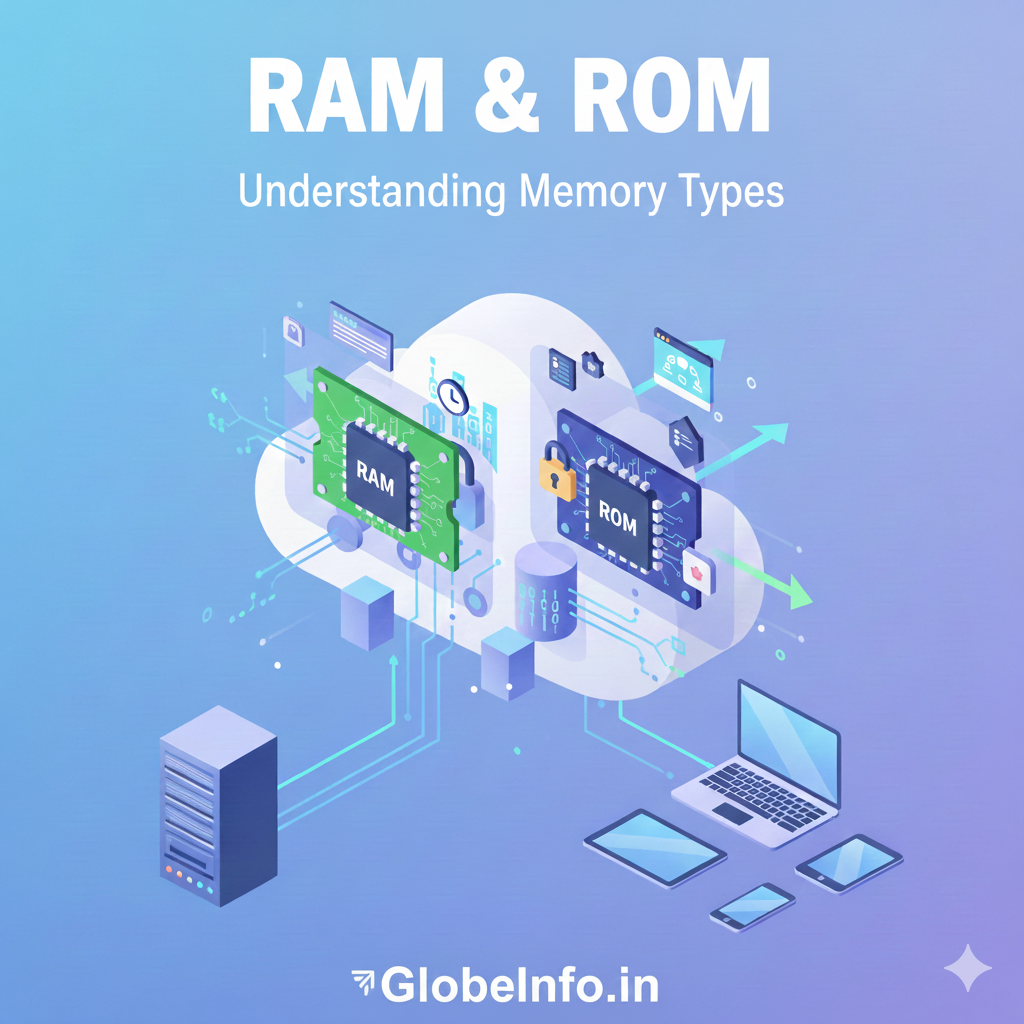
If you’ve ever checked a phone’s specs or a laptop’s configuration, you’ve seen terms like “8 GB RAM” or “128 MB ROM (BIOS)”. These two tiny acronyms — RAM and ROM — decide how smoothly your device runs and whether it can even start at all.
In this Post, you’ll learn:
What Is RAM?
RAM stands for Random Access Memory. It is the computer’s short-term working memory. When you open an app, play a game, or write a document, the operating system and those programs are loaded into RAM so the processor can access them quickly. RAM is fast but temporary: when you turn off the computer or phone, everything in RAM is lost. Think of RAM like a school desk where you keep the books and notes you are using right now — quick to reach, but you clear the desk at the end of the day.
Think of RAM as a work desk:
- The bigger the desk (more RAM), the more files and tools you can keep open at once.
- If the desk is small, you constantly have to put things away and take them out again — this feels like lag or slow performance.
Characteristics of RAM
- Volatile memory: RAM loses all data when the power is turned off.
- Read and write: The CPU can both read from and write to RAM very quickly.
- High speed: RAM is much faster than hard drives or SSDs.
- Used for active tasks: Stores data for apps, the operating system, and processes that are currently running.
- Typically larger capacity than ROM, measured in GB (gigabytes).
Because RAM is so fast, more RAM usually means:
- smoother multitasking
- better gaming performance
- faster app switching
- more browser tabs without freezing
How RAM Works
- You click to open a program (for example, a browser).
- The program is loaded from your storage (HDD/SSD) into RAM.
- The CPU reads instructions and data from RAM, processes them, and writes results back to RAM.
- When you close the program, that RAM space becomes free again.
- When you shut down your computer, RAM is cleared completely.
Main types of RAM
- DRAM (Dynamic RAM): The most common type found in computers. It is fast and needs to be refreshed many times per second.
- SRAM (Static RAM): Faster and more expensive than DRAM, used in small amounts inside the CPU (cache).
What is ROM?
ROM stands for Read-Only Memory. It is the computer’s long-term, built-in memory that usually contains important instructions the device always needs, like the firmware or the code a computer runs when it starts (BIOS/UEFI). ROM keeps its contents even without power, so it is non-volatile. Think of ROM like the instruction manual kept on a shelf: you don’t change it often, but it’s always there when you need it.
While RAM is like a work desk, ROM is more like a locked instruction manual stored in a safe:
- It contains critical firmware and boot instructions.
- It does not lose data when power is off.
- It is usually not meant to be edited frequently.
Characteristics of ROM
- Non-volatile memory: ROM keeps its data even when power is off.
- Primarily read-only: Data is usually written once (during manufacturing or special programming) and then only read, not regularly modified.
- Stores firmware: Holds the BIOS/UEFI, bootloader, and other low-level software that help the computer start up and talk to hardware.
- Slower than RAM, but still faster than hard drives for very small, critical instructions.
- Smaller capacity, usually in KB or MB, not GB.
Main types of ROM
- Mask ROM: Programmed during manufacturing and cannot be changed.
- PROM (Programmable ROM): Can be programmed once after manufacture.
- EPROM (Erasable PROM): Can be erased (with ultraviolet light) and reprogrammed.
- EEPROM (Electrically Erasable PROM): Can be erased and reprogrammed using electricity — used for small firmware updates. Modern flash memory is a kind of EEPROM.
RAM vs ROM: Key Differences at a Glance
Here is a clear comparison:
| Feature | RAM (Random Access Memory) | ROM (Read Only Memory) |
|---|---|---|
| Volatility | Volatile – loses data when power is off | Non-volatile – keeps data without power |
| Main purpose | Temporary storage for active processes and data | Permanent storage for firmware and boot instructions |
| Read/Write | Read and write frequently and quickly | Primarily read-only (limited or no regular writing) |
| Speed | Very fast (nanosecond access time) | Slower than RAM but faster than disks for small reads |
| Capacity | Usually larger (GB) | Usually smaller (KB–MB) |
| Cost per GB | More expensive | Cheaper |
| When data is used | While the system is running (apps, OS, tasks) | During startup and low-level hardware control |
| CPU access | Directly accessible and constantly used | Not as directly or frequently accessed by the CPU |
How RAM and ROM affect a computer or phone.
RAM affects how many apps you can run at the same time and how smoothly they run. If you have too little RAM, your device will slow down when you open many programs. ROM affects whether the device can start and whether its basic firmware can be updated. ROM does not directly make programs run faster, but it stores the essential code the device needs to boot and operate.
How Much RAM Do You Need?
RAM size has a huge impact on performance:
- 4 GB RAM
- Bare minimum for light tasks (basic browsing, text editing).
- 8 GB RAM
- Good for everyday use: multiple tabs, streaming, office apps.
- 16 GB RAM
- Better for heavy multitasking, content creation, and modern gaming.
- 32 GB+ RAM
- For professionals: video editing, 3D modeling, large datasets.
More RAM means you can:
- Keep more apps and browser tabs open
- Work with larger files (images, videos, codebases)
- Experience less lag when switching between tasks
ROM capacity is generally fixed and small, and typical users don’t choose it; it’s built into the motherboard or device by the manufacturer.
RAM, ROM, and Storage: Don’t Confuse Them
Many people mix up RAM, ROM, and storage (HDD/SSD).
Simple breakdown:
- RAM:
- Short-term, volatile
- For running apps right now
- ROM:
- Permanent, non-volatile
- For firmware and startup instructions
- Storage (HDD/SSD/Flash):
- Long-term, non-volatile
- For OS, apps, photos, videos, documents
Even though ROM and SSDs are both non-volatile, ROM is specialized for small, critical code that rarely changes, while SSDs store large amounts of user data and software.